
MacBook Pro A1707 No Display Repair: Flexgate Diagnosis & Fix (Hamilton, NZ)
How we brought a “dead” MacBook Pro back to life without replacing the screen
The Problem — MacBook Pro Turns On But Screen Stays Black
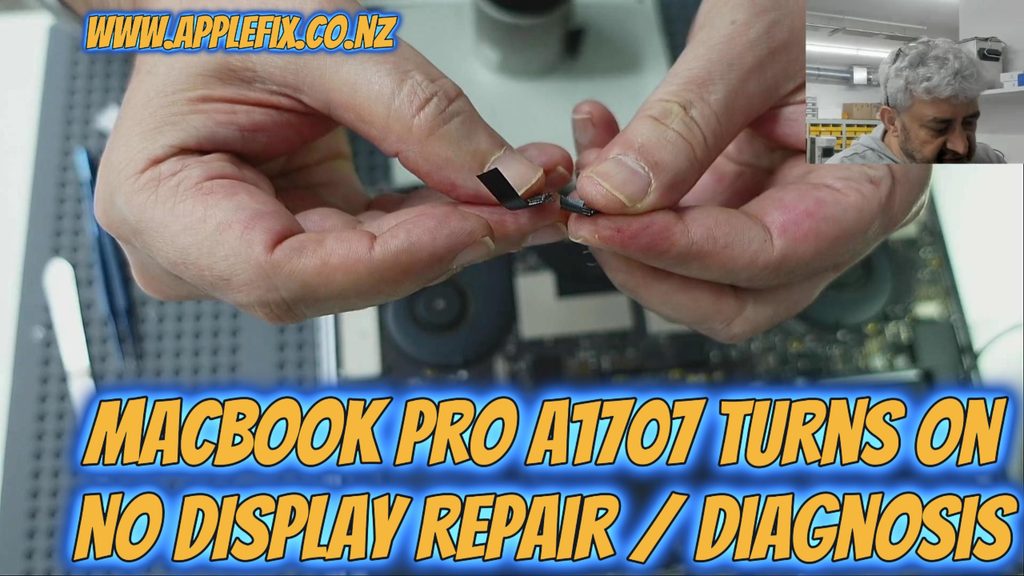
A customer brought in a MacBook Pro (model A1707, logic board 820-00281-A) with a common but often misdiagnosed fault: the laptop appeared completely dead on screen, yet something told us it wasn’t as simple as a broken display.
This is one of the most searched MacBook problems worldwide, and it shows up in many forms:
- MacBook turns on but screen is black
- MacBook Pro no display but laptop is on
- MacBook screen black but fans are running
- MacBook Pro black screen but keyboard lights up
- MacBook display goes black when opening the screen
If any of these describe what you’re experiencing, keep reading — the fault may not be what you think.
Step One — Confirming the MacBook Was Actually Powered On
Using an Amp Meter to Check Power Draw
Before assuming a display or logic board failure, we connected the MacBook to a bench power supply with a built-in amp meter. This immediately told us something important: the machine was drawing power and switching on normally.
This single step rules out a huge category of possible faults — dead battery, failed power circuit, or a completely bricked logic board — and points the diagnosis toward the display side of the machine instead.
Why This Step Matters for MacBook No-Display Diagnosis
Many people (and unfortunately, some repair shops) skip this check and jump straight to replacing the LCD screen. That can mean paying for an expensive part that was never the problem in the first place.
Step Two — Testing the Screen at Different Angles
Since the LCD panel itself wasn’t physically cracked or damaged, we tested something simple but revealing: slowly moving the screen up and down while the machine was powered on.
At a certain angle, the display suddenly came back to life.
This is a classic symptom people search for, including:
- MacBook screen works at a certain angle
- MacBook screen works when half open
- MacBook display flickering or cutting out when adjusting the lid
What an Angle-Dependent Display Usually Means
When a screen only works at specific angles, the fault is almost always related to a cable connection issue inside the display hinge, not the panel itself.
Diagnosing Flexgate — The Real Cause of the Fault
What Is Flexgate?
“Flexgate” is the widely recognized term for a design flaw affecting many MacBook Pro models, where the display flex cable — the ribbon cable connecting the logic board to the screen — cracks or wears out from being repeatedly bent every time the lid opens and closes.
Common related searches include:
- Flexgate repair
- MacBook display flex cable repair
- MacBook backlight not working
- MacBook Pro Flexgate fix cost
Microscope Inspection
To confirm our diagnosis, we examined the flex cable under a microscope and found a small, hairline crack — invisible to the naked eye, but enough to interrupt the display signal intermittently.
The Repair — Precision Microsoldering Instead of Full LCD Replacement
Rather than replacing the entire LCD assembly (a far more expensive repair), we carried out a component-level microsoldering repair:
- Sourced a matching flex cable section from a donor MacBook LCD
- Carefully aligned the donor cable with the damaged section
- Microsoldered the connection under magnification
- Tested the display at multiple angles to confirm a stable connection
- Verified full, consistent display function after reassembly
Why Microsoldering Saves You Money
Full LCD replacements can cost significantly more than a targeted flex cable repair. When the panel itself is undamaged, microsoldering the flex cable is a faster, cheaper, and more sustainable fix.
Common MacBook Display Problems We Diagnose and Repair
If you’re searching for any of the following, this is the exact type of fault we specialize in:
- MacBook Pro screen repair
- MacBook Air screen repair
- MacBook no display diagnosis
- MacBook Flexgate repair
- MacBook LCD replacement
- MacBook screen flickering repair
- MacBook backlight repair
Other MacBook Repairs We Offer in Hamilton, NZ
Beyond display and Flexgate repairs, we also handle:
- MacBook battery replacement
- MacBook not charging / USB-C charging repair
- MacBook logic board and motherboard repair
- MacBook short circuit and no-power repair
- MacBook water damage repair
- MacBook keyboard and trackpad repair
Should You Replace Your MacBook Screen or Repair the Flex Cable?
Signs You May Need Flex Cable Repair (Not a New Screen)
- Screen works at certain angles only
- Display flickers when opening or closing the lid
- Backlight is dim, flickering, or missing but display data is visible
- Amp meter confirms the machine is powering on
Signs You May Actually Need a Full LCD Replacement
- Visible cracks or physical damage to the glass or panel
- Liquid crystal bleeding/leaking on screen
- Screen has no image at any angle, even under strong light (check with a torch for a very dim image)
Visit Us for MacBook Repair in Hamilton, Waikato
AppleFix & Tech Engineers
937 Victoria Street, Hamilton 3204, New Zealand
Call: 07 839 4111 | 07 839 4188
WhatsApp: 021 279 1110
Website: https://applefix.co.nz/
Not Based in Hamilton? We Offer Mail-In Repairs Nationwide
You can send your MacBook or device to us from anywhere in New Zealand:
https://applefix.co.nz/send-your-device/
Want to Learn This Skill Yourself?
We also run hands-on logic board repair and microsoldering training courses in Hamilton. Course details here:
https://applefix.co.nz/logicboard-repair-course/